


Connect any CAN bus to your PC via USB port !
Classical CAN to USB adapter is a simple plug and play device that allows your CAN bus get connected to a PC via USB port. This adapter is capable of interfacing with the open-source software tool called “Bus Master” that can simulate, analyze and test data in a CAN bus. The CAN bus in this adapter is galvanically isolated up to a maximum of 500 volts from the PC.
Classical CAN to USB adapter is delivered with PreciCon – intuitive configuration and analysis software. PreciCon is can be used to configure the adapter to work with your vehicle CAN bus.
Typical Application
With its compact design and USB 2.0 connectivity, the adapter ideally suits for protocol analysis and testing of CAN bus enabled automotive /industrial devices!

Applications
Rare event capture:
Record important events based on real-time, such as:
CAN ID: Log data from the specific/ defined ids. Create conditions based on CAN ids.
J1939 DM1 Counter: Count the faults in the j1939 DM1 messages.
LEDs indicate when the trigger is active.
External digital switches
Pre-trigger timer
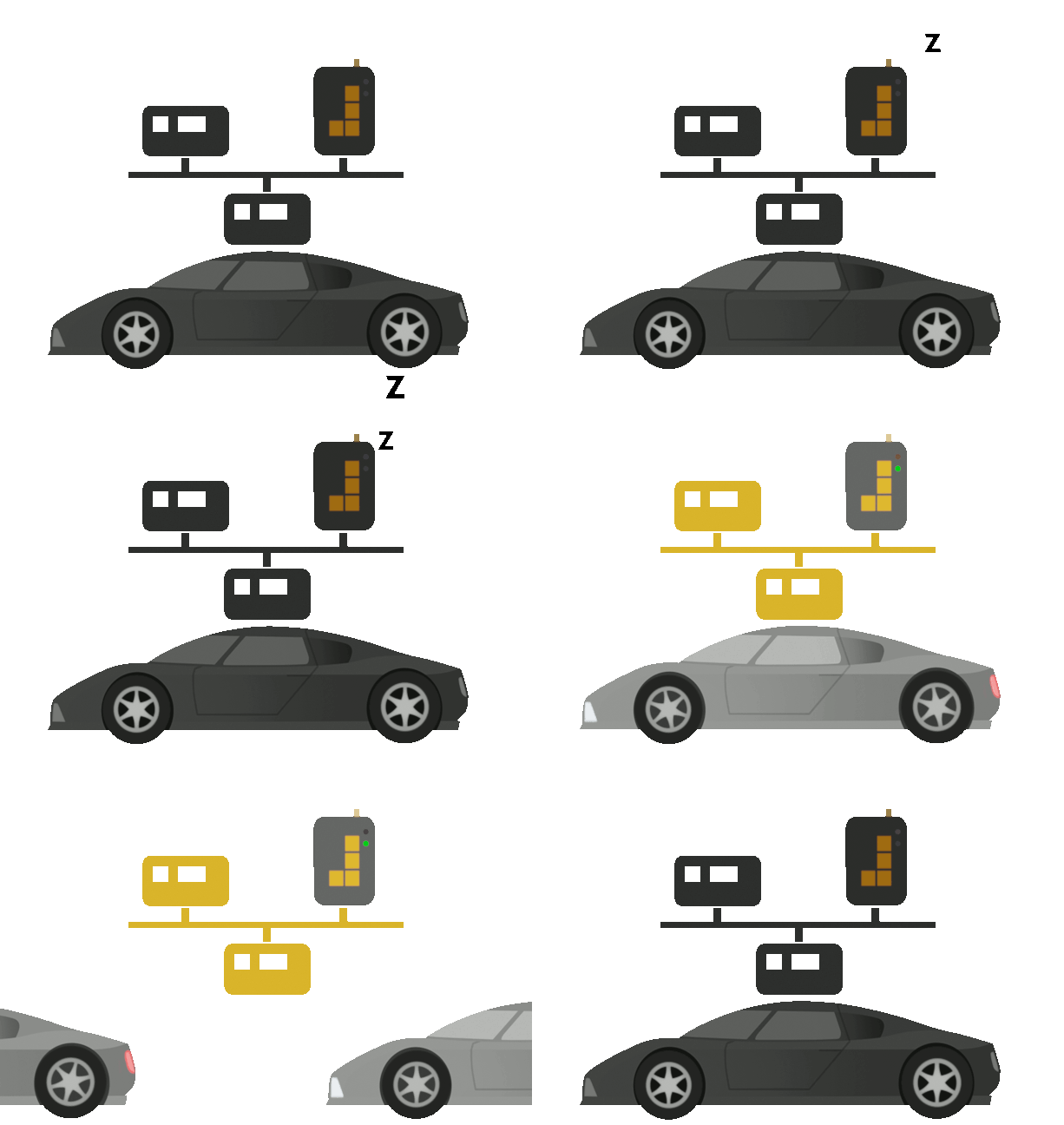
Sleep Mode to save vehicle battery
The CAN-FD to USB adapter includes
Power Down Mode: Deep Sleep Mode when no activity detected
WakeOnCAN: Wake up instantly with CAN activity
WakeOnAlarm: Wake up the logger when specified
WakeOnDigitalinputs: Wake up on ignition, KL15, external switch etc.
WakeOnMovement: Wake up on physical movement e.g. impact or detecting movement in the vehicle
Pro-Spec data loggers: No messages missed 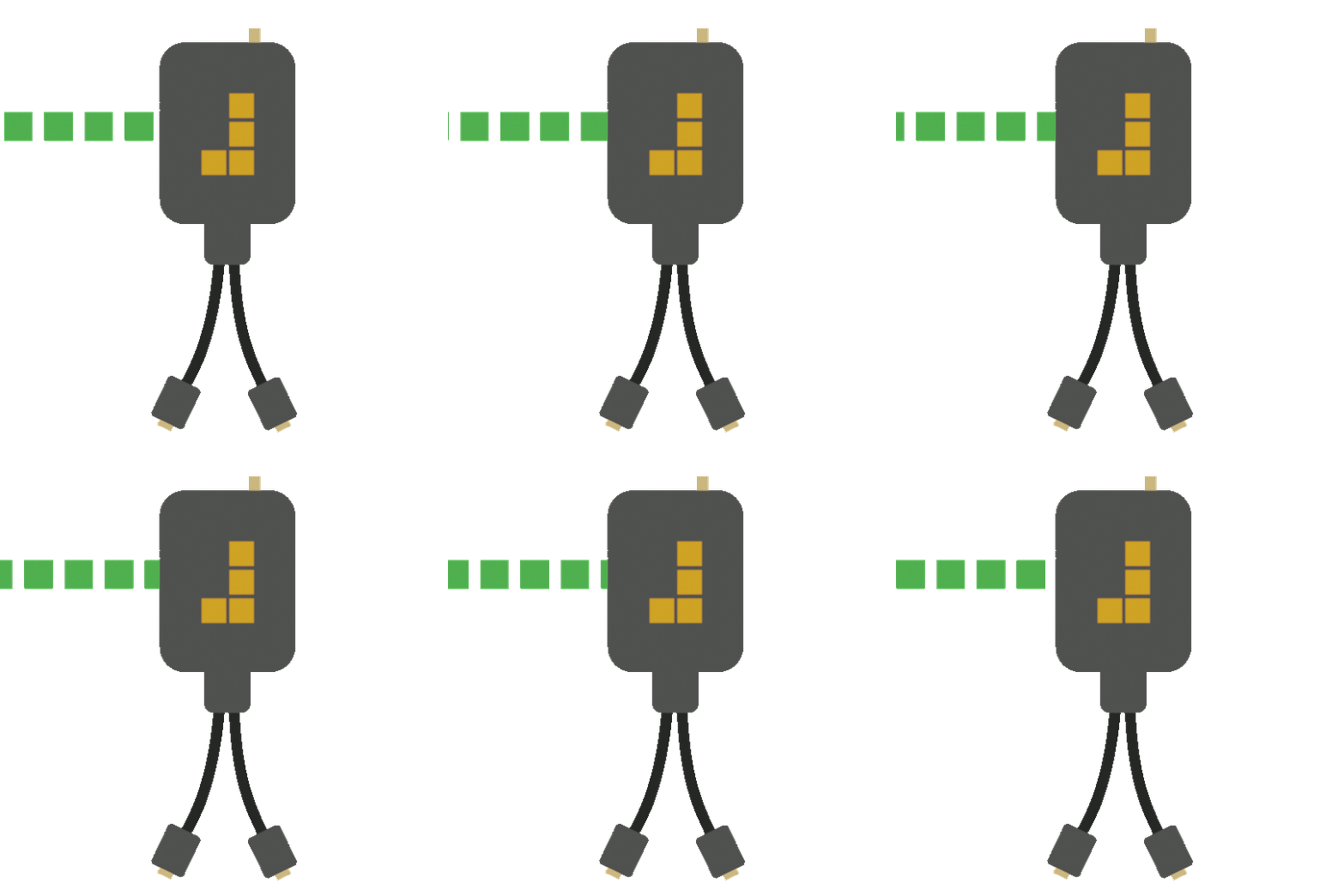
Zero data loss: Capture rare, single and multiple events
Critical data: Essential for project management
Quick change of state: Ready for data capture
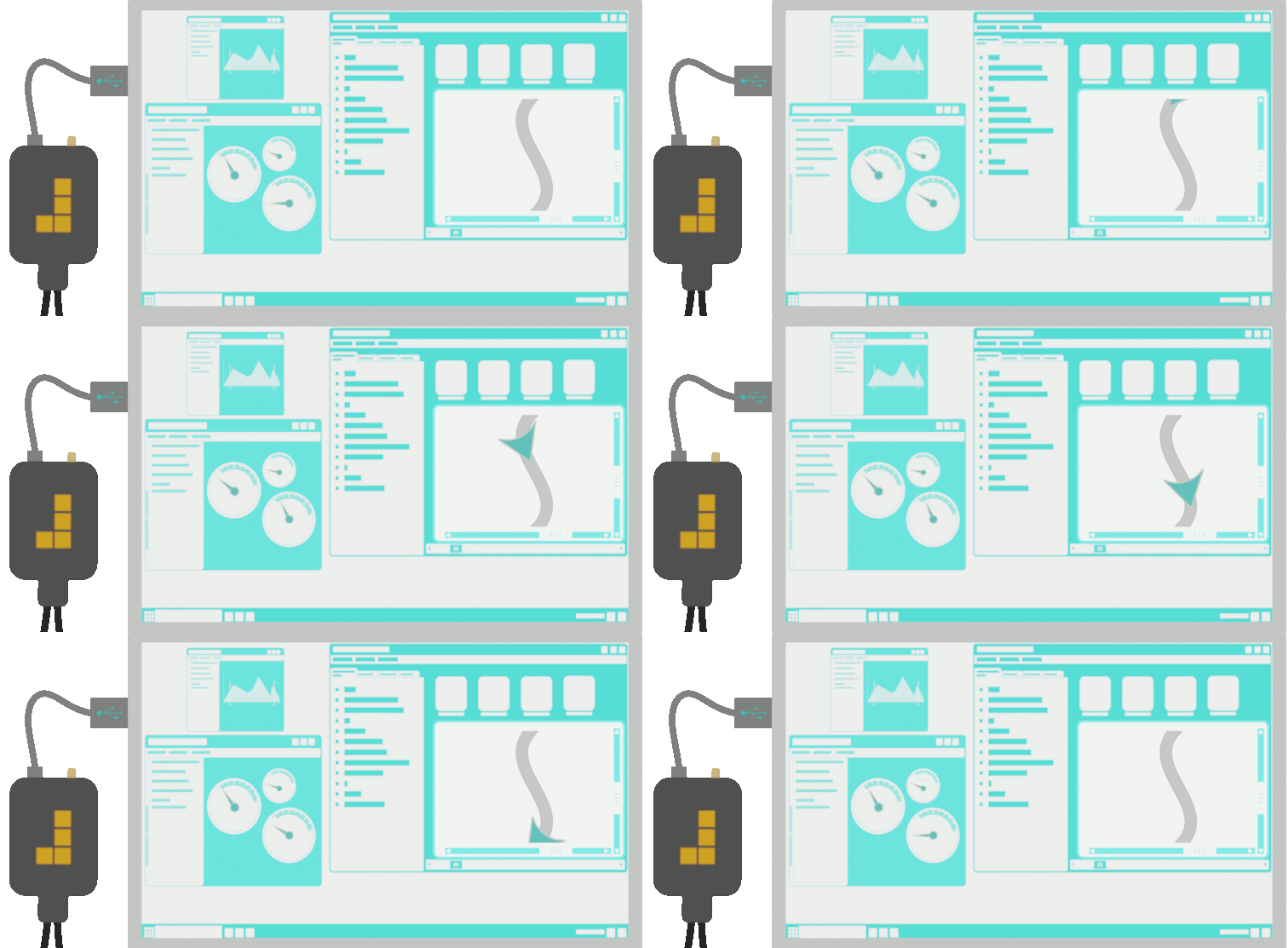
Supports Interface J2534 (pass-thru)
Active data logging with an interface that supports pass-thru.
Analyse your vehicle’s CAN data directly on a
laptop with the ability to access remote data collection.
Frequently asked questions
